1. Review Incoming Applications
Access all applications submitted for your job postings from the Candidates section. Quickly review resumes, portfolios, cover letters, and application details to identify the most qualified candidates.
2. Filter and Organize Candidates
Use filters such as experience, skills, education, location, and application status to narrow down your search. Organizing applicants into categories makes it easier to manage large hiring campaigns.
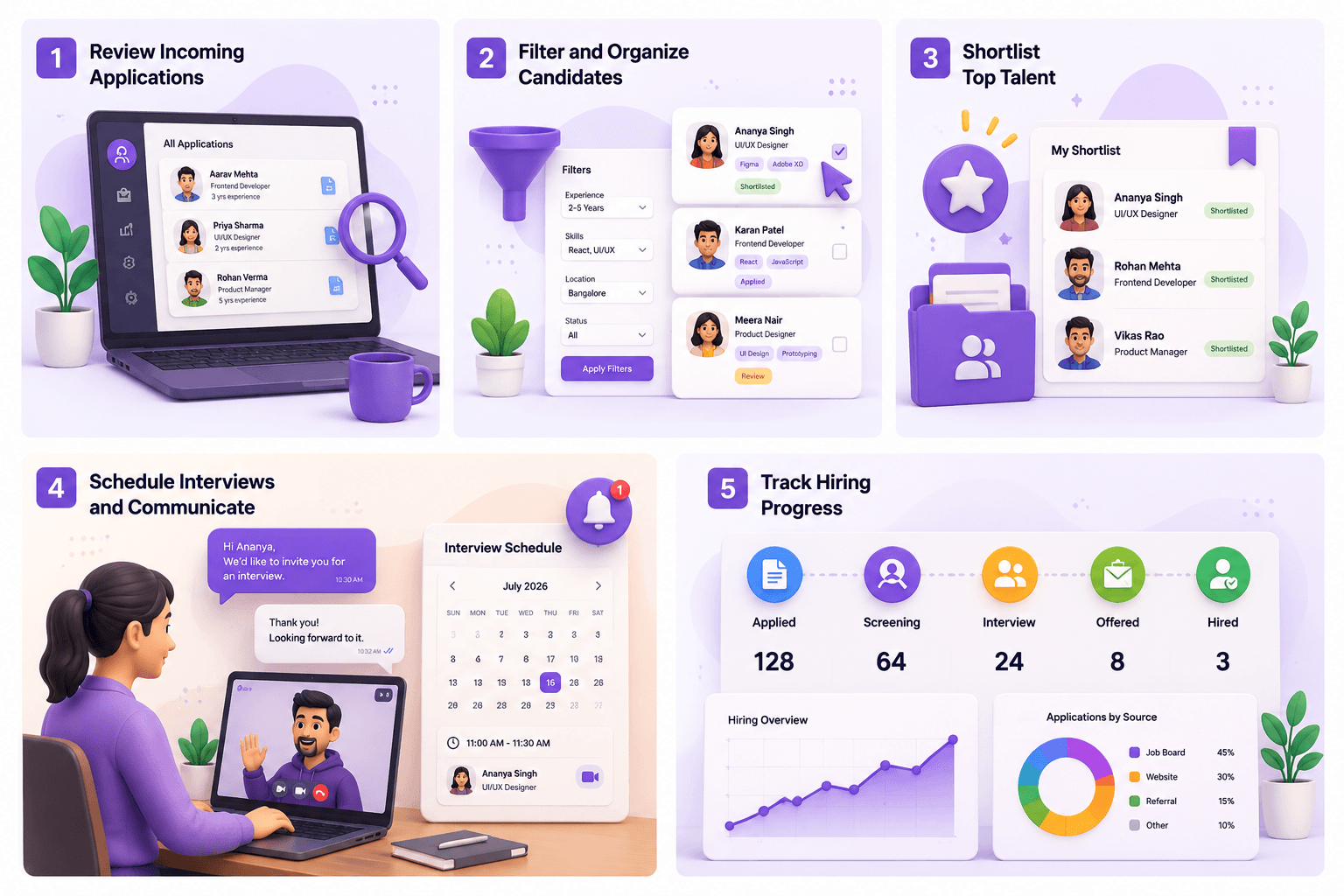
3. Shortlist Top Talent
Move promising candidates to your shortlist for quick access during the hiring process. Keeping a shortlist helps your recruitment team stay organized and focus on the strongest applicants.
4. Schedule Interviews and Communicate
Invite shortlisted candidates for interviews directly through the platform. Send interview invitations, update application statuses, and maintain clear communication throughout the recruitment process.
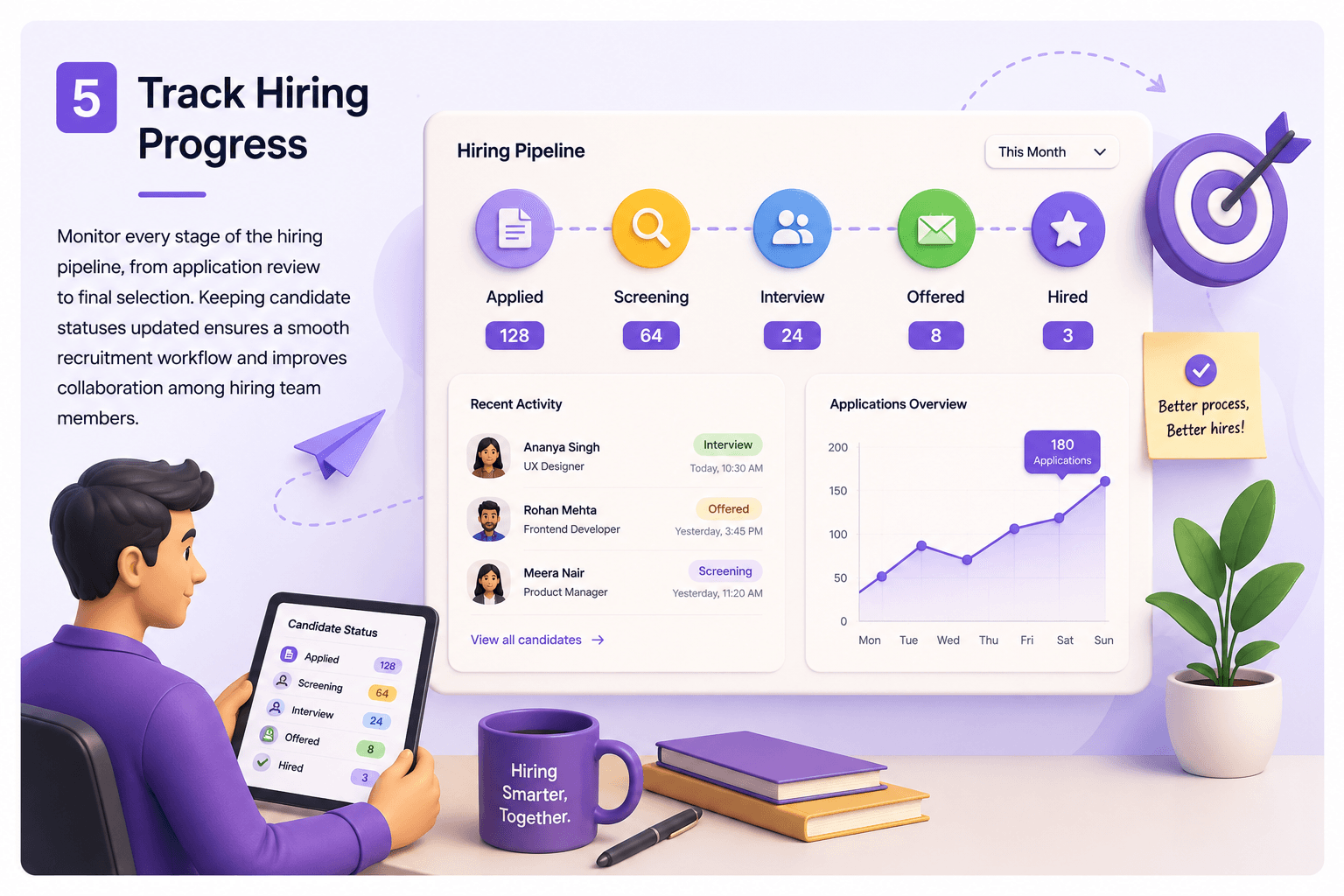
5. Track Hiring Progress
Monitor every stage of the hiring pipeline, from application review to final selection. Keeping candidate statuses updated ensures a smooth recruitment workflow and improves collaboration among hiring team members.