1. Update Your Company Profile
Keep your company information accurate by updating your logo, business description, website, office locations, and company details. A complete and professional profile builds trust with candidates and strengthens your employer brand.
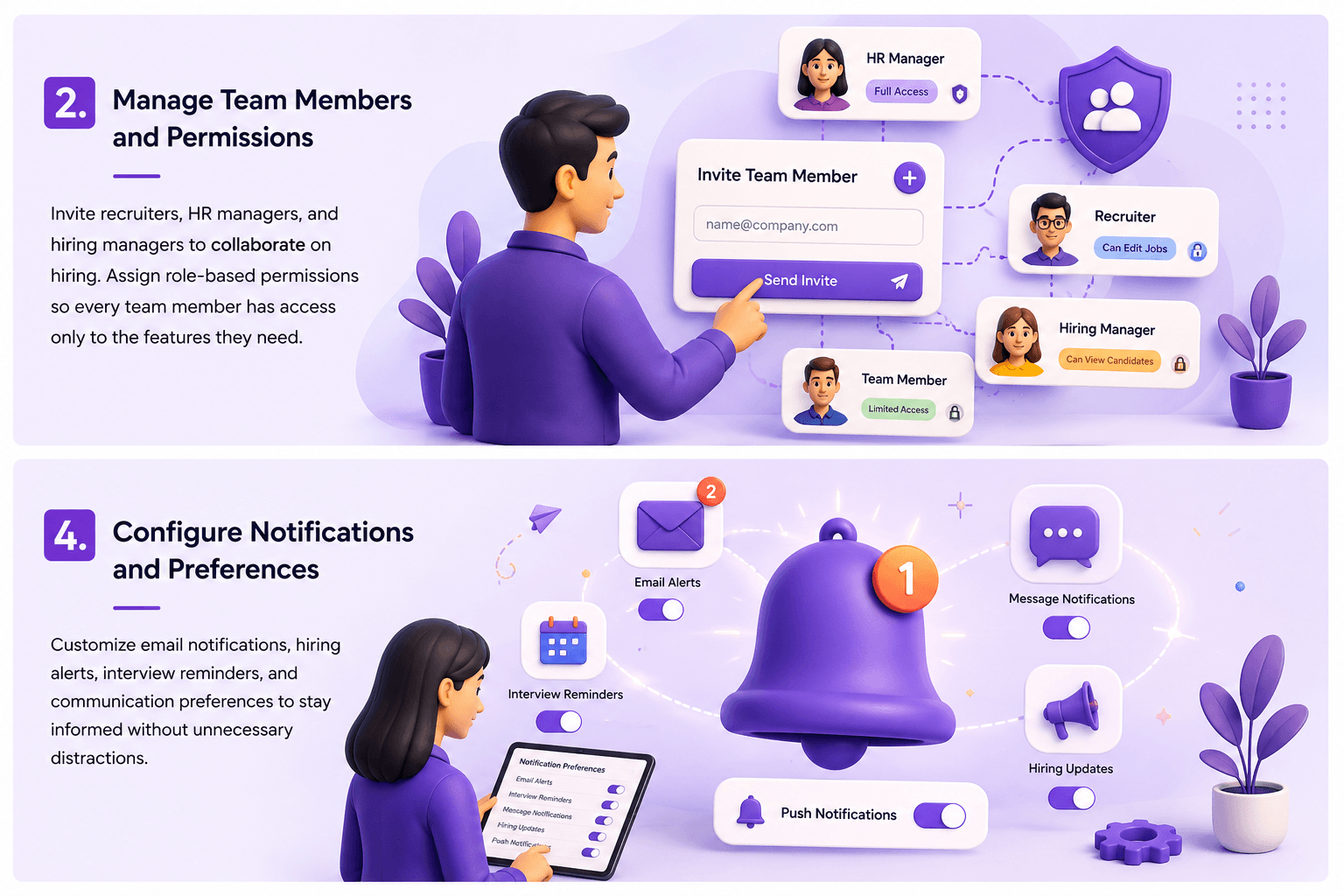
2. Manage Team Members and Permissions
Invite recruiters, HR managers, and hiring managers to collaborate on hiring. Assign role-based permissions so every team member has access only to the features they need.
3. Secure Your Account
Protect your employer account by using a strong password, enabling two-factor authentication, reviewing recent login activity, and regularly updating your security settings.
4. Configure Notifications and Preferences
Customize email notifications, hiring alerts, interview reminders, and communication preferences to stay informed without unnecessary distractions.
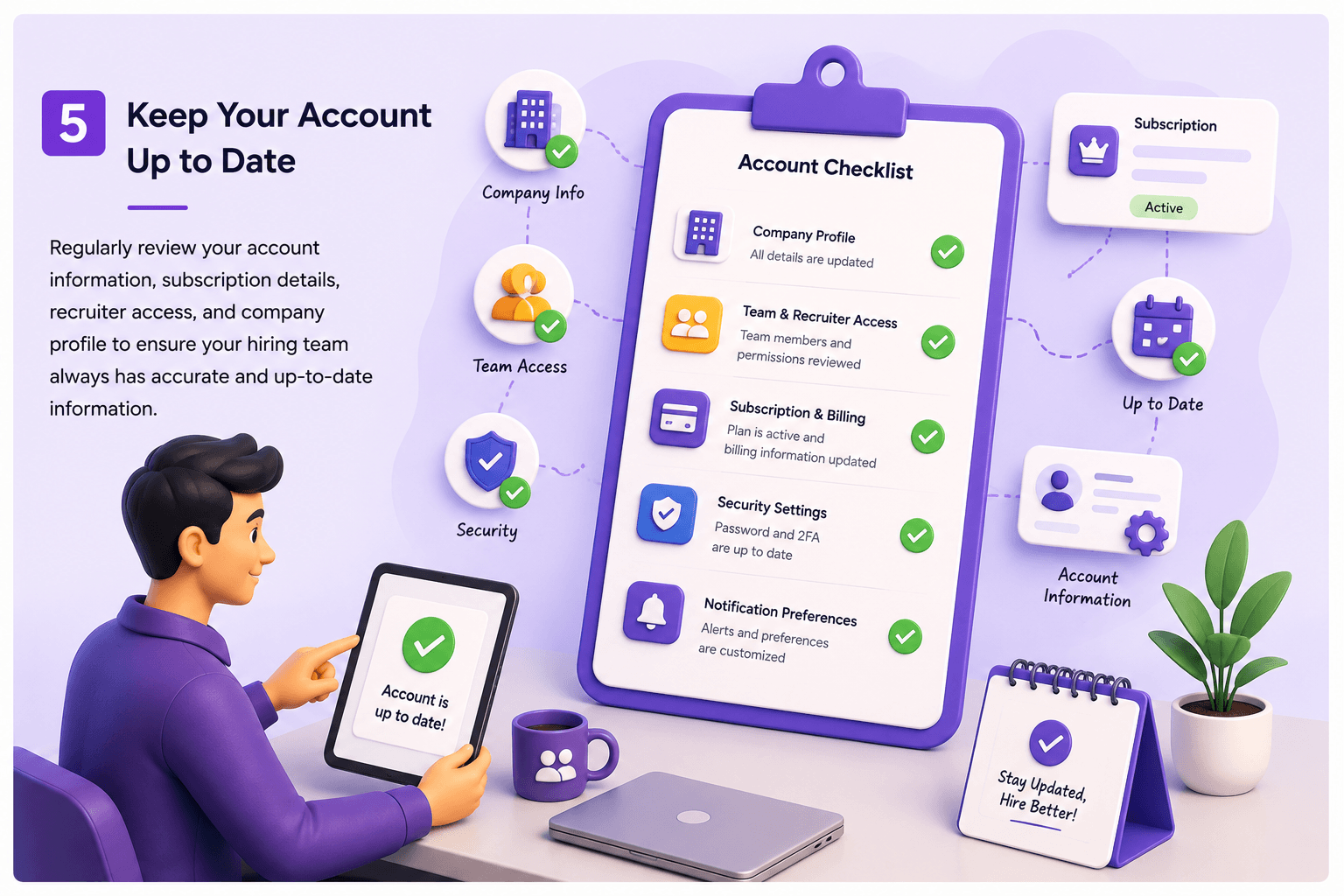
5. Keep Your Account Up to Date
Regularly review your account information, subscription details, recruiter access, and company profile to ensure your hiring team always has accurate and up-to-date information.