1. Create Your Employer Account
Sign up using your business email address and create a secure password. Once your account is created, verify your email to unlock all employer features and access your recruitment dashboard.
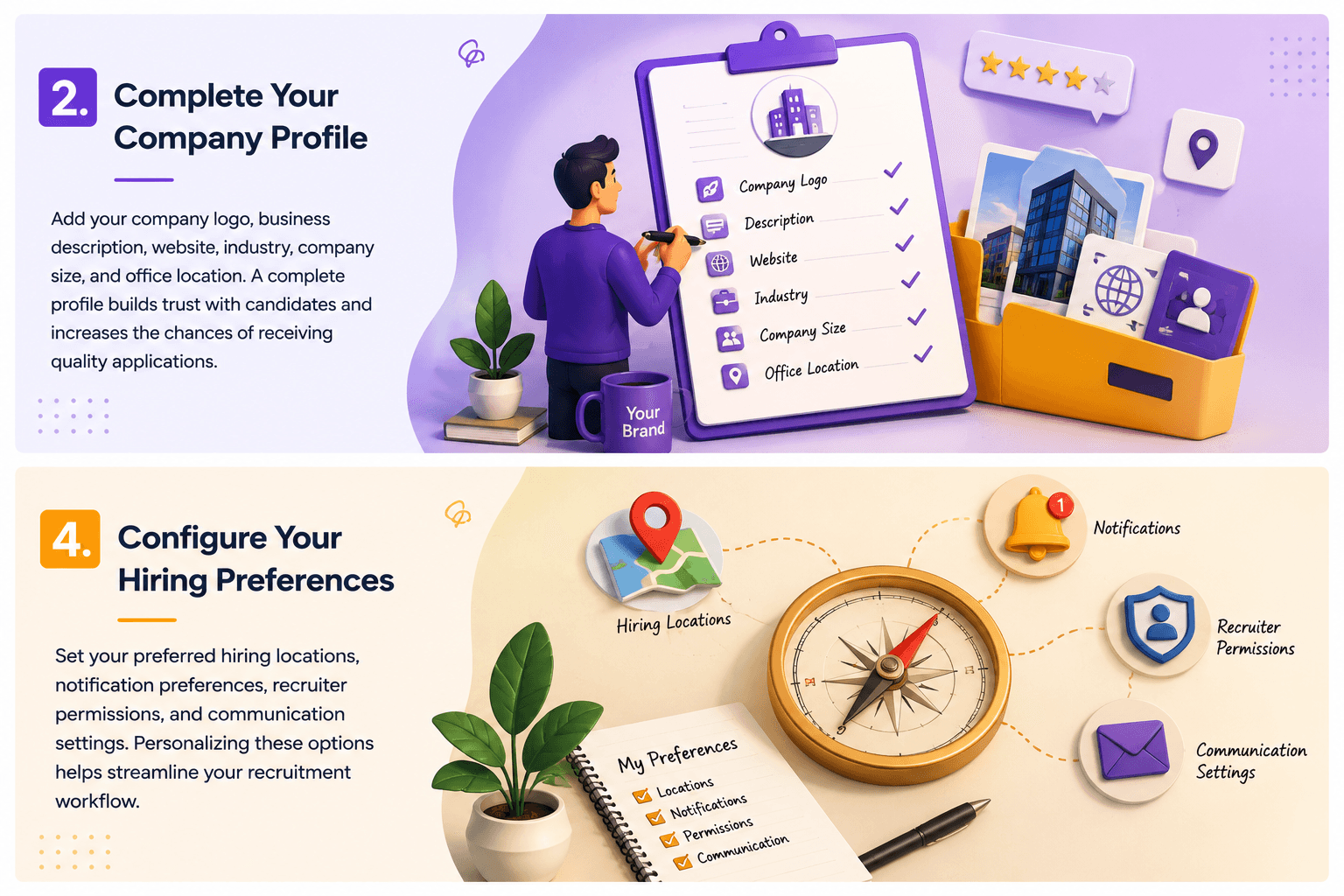
2. Complete Your Company Profile
Add your company logo, business description, website, industry, company size, and office location. A complete profile builds trust with candidates and increases the chances of receiving quality applications.
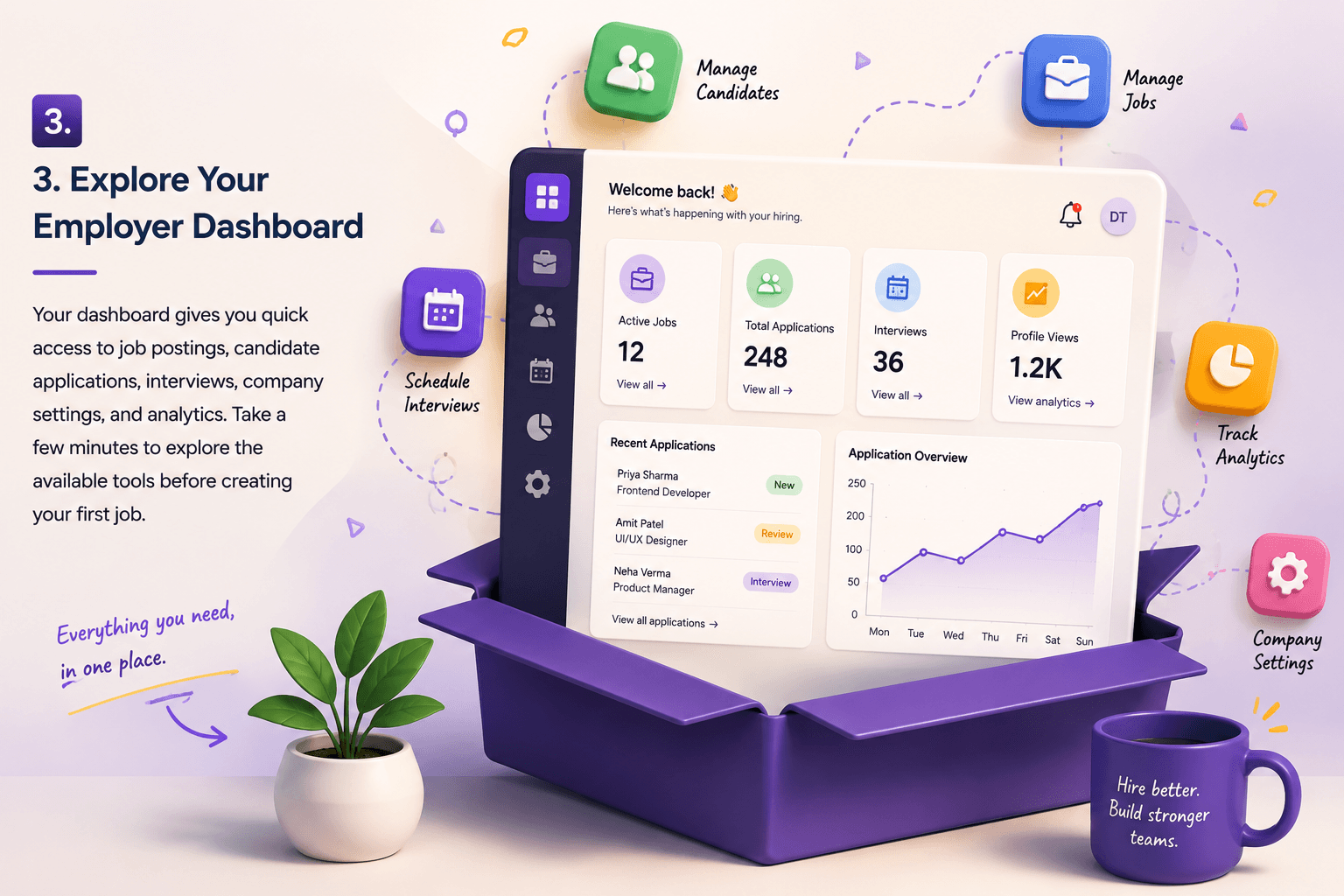
3. Explore Your Employer Dashboard
Your dashboard gives you quick access to job postings, candidate applications, interviews, company settings, and analytics. Take a few minutes to explore the available tools before creating your first job.
4. Configure Your Hiring Preferences
Set your preferred hiring locations, notification preferences, recruiter permissions, and communication settings. Personalizing these options helps streamline your recruitment workflow.
5. Start Hiring with Confidence
Once your profile is complete and preferences are configured, you're ready to publish your first job. Use the platform's hiring tools to attract qualified talent, manage applications, and build your team efficiently.