1. Choose the Right Subscription Plan
Explore the available subscription plans and choose the one that best fits your hiring needs. Compare features, recruitment limits, and premium tools before upgrading your account.
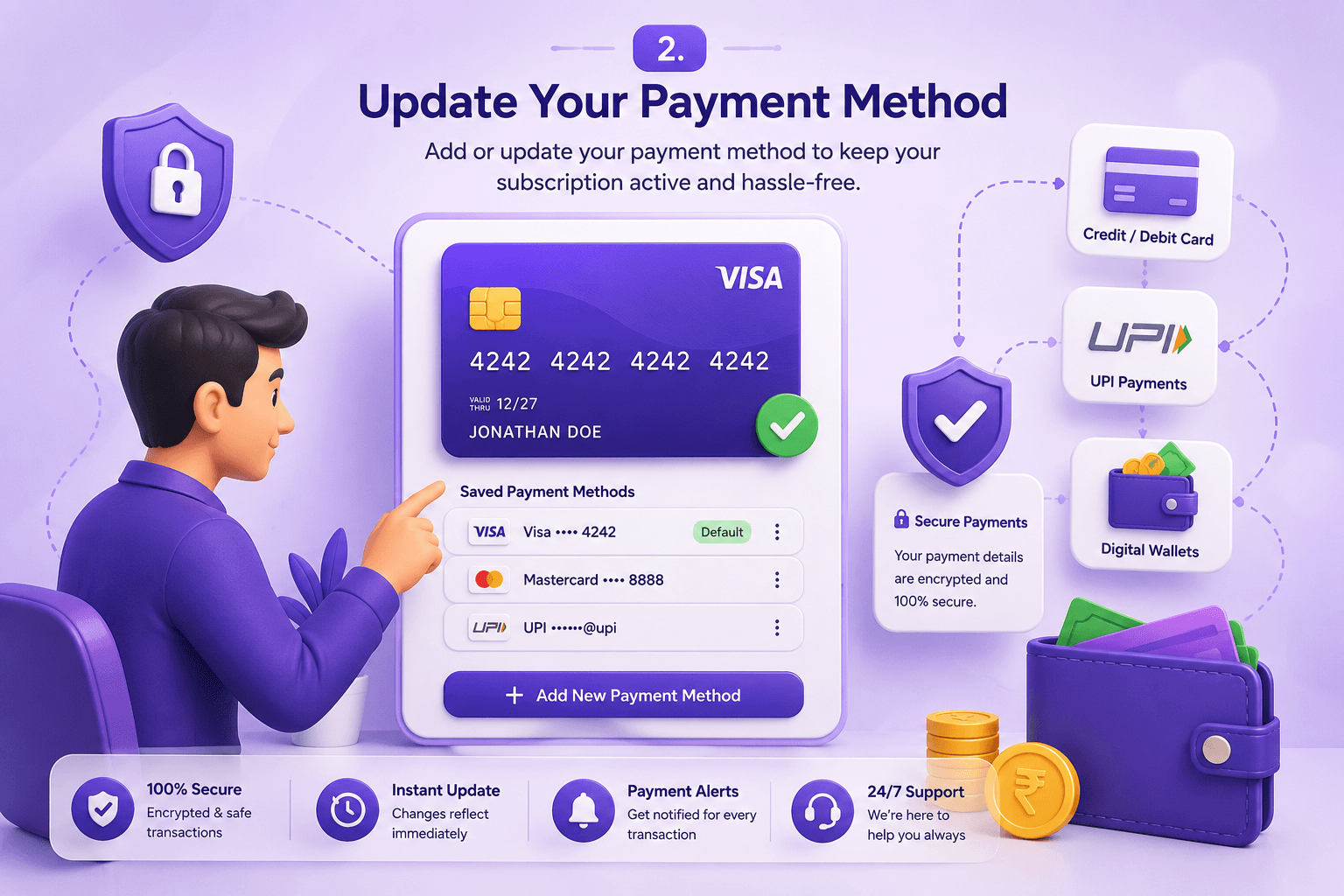
2. Update Your Payment Method
Securely add or update your payment method using supported debit cards, credit cards, or online payment options. Keeping your payment details current helps avoid interruptions to your subscription.
3. View Billing History and Invoices
Access your billing history to review previous transactions, download invoices, and keep financial records organized for accounting and business reporting purposes.
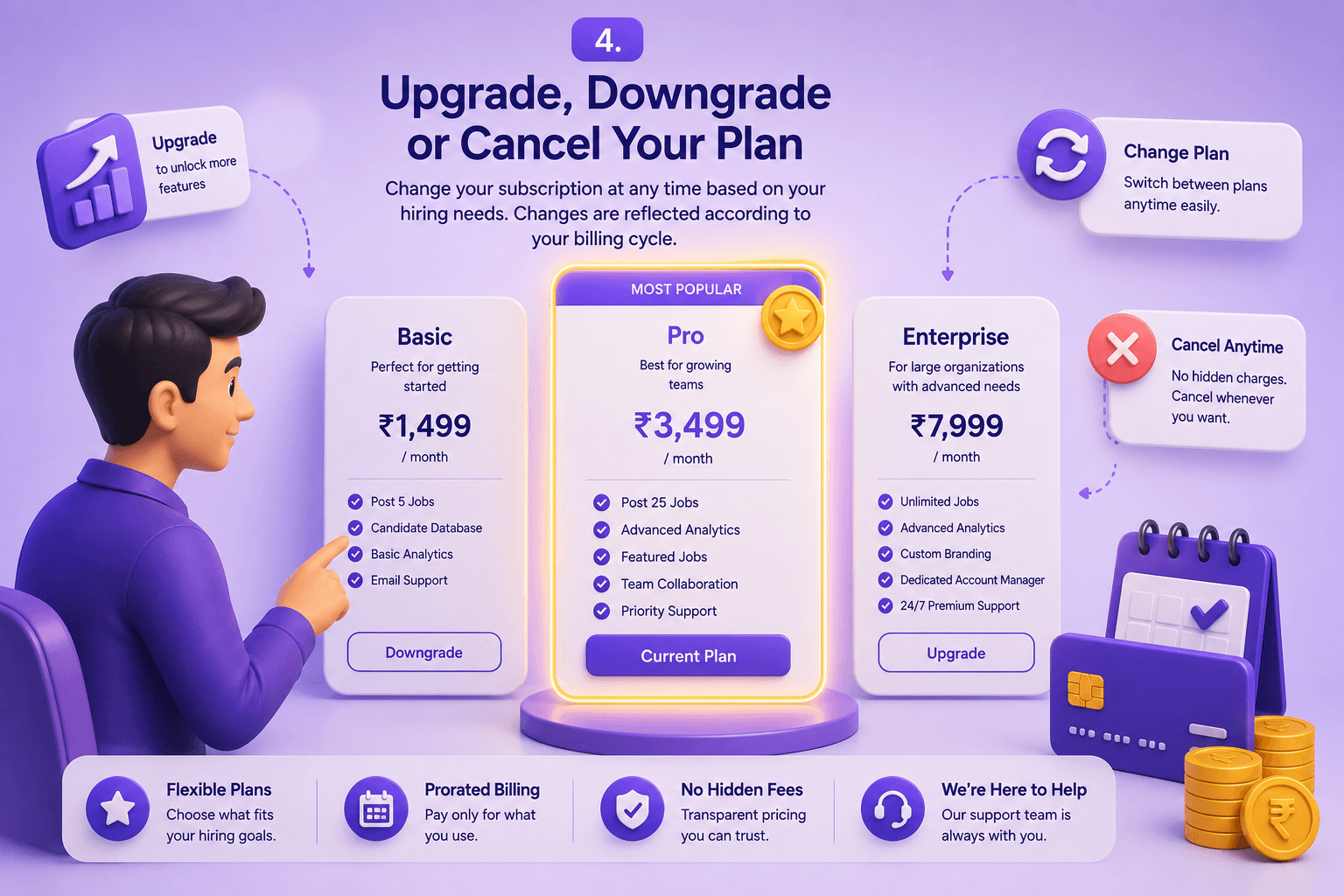
4. Upgrade, Downgrade or Cancel Your Plan
Change your subscription at any time based on your hiring requirements. Upgrade for additional features or downgrade when your recruitment activity decreases, with changes reflected according to your billing cycle.
5. Keep Billing Information Updated
Regularly review your billing details, company information, tax information, and payment methods to ensure uninterrupted service and accurate invoice generation.