1. Identify the Issue
Before contacting support, identify the exact issue you're experiencing. Check whether it's related to login, job posting, candidate management, billing, or account settings. A clear understanding of the problem helps resolve it much faster.
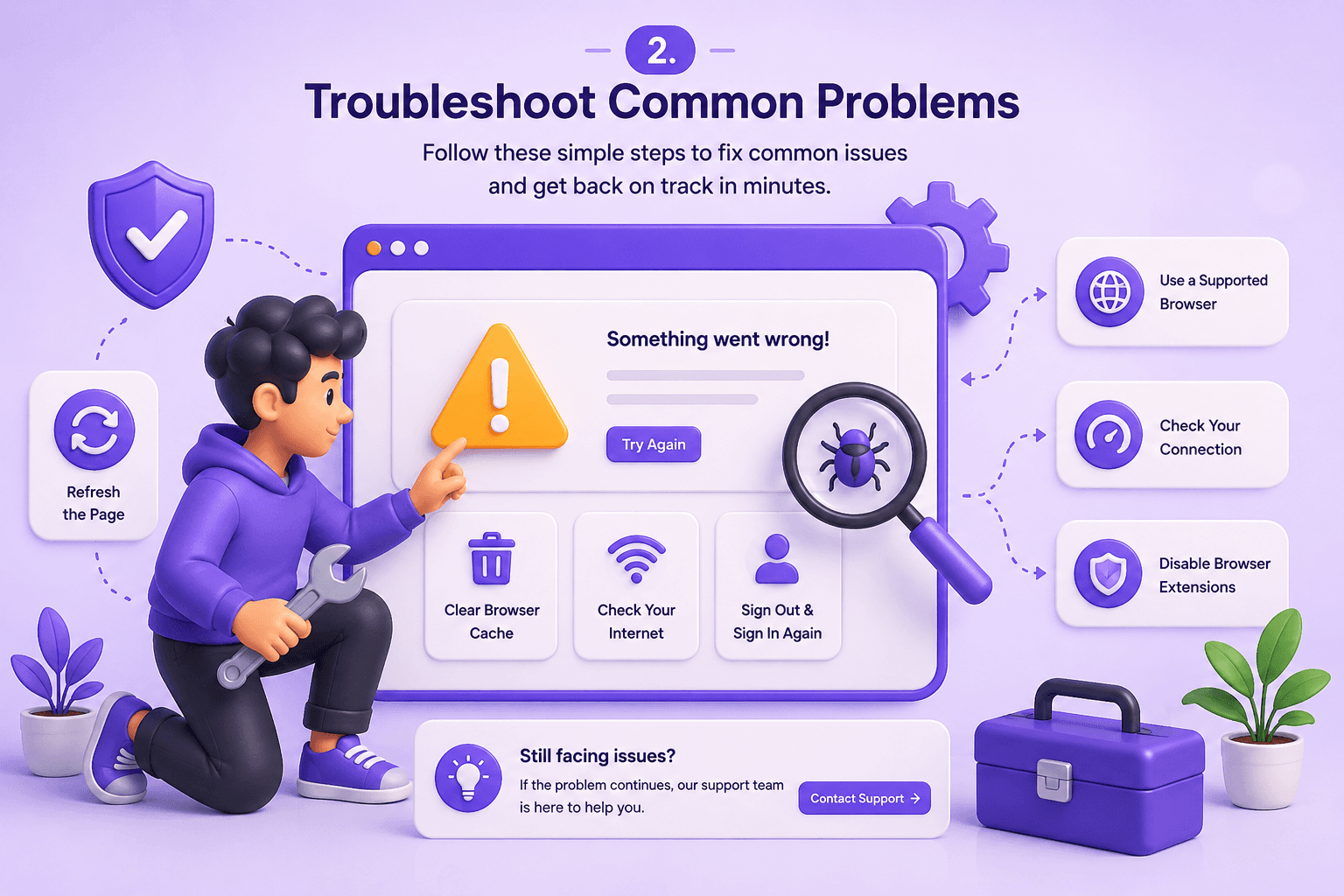
2. Troubleshoot Common Problems
Try basic troubleshooting steps such as refreshing the page, clearing your browser cache, using a supported browser, checking your internet connection, or signing out and back into your account. Many common issues can be resolved within minutes.
3. Report a Technical Issue
If the issue persists, submit a support request with detailed information. Include screenshots, error messages, browser details, and the steps you followed so our support team can investigate the issue more efficiently.
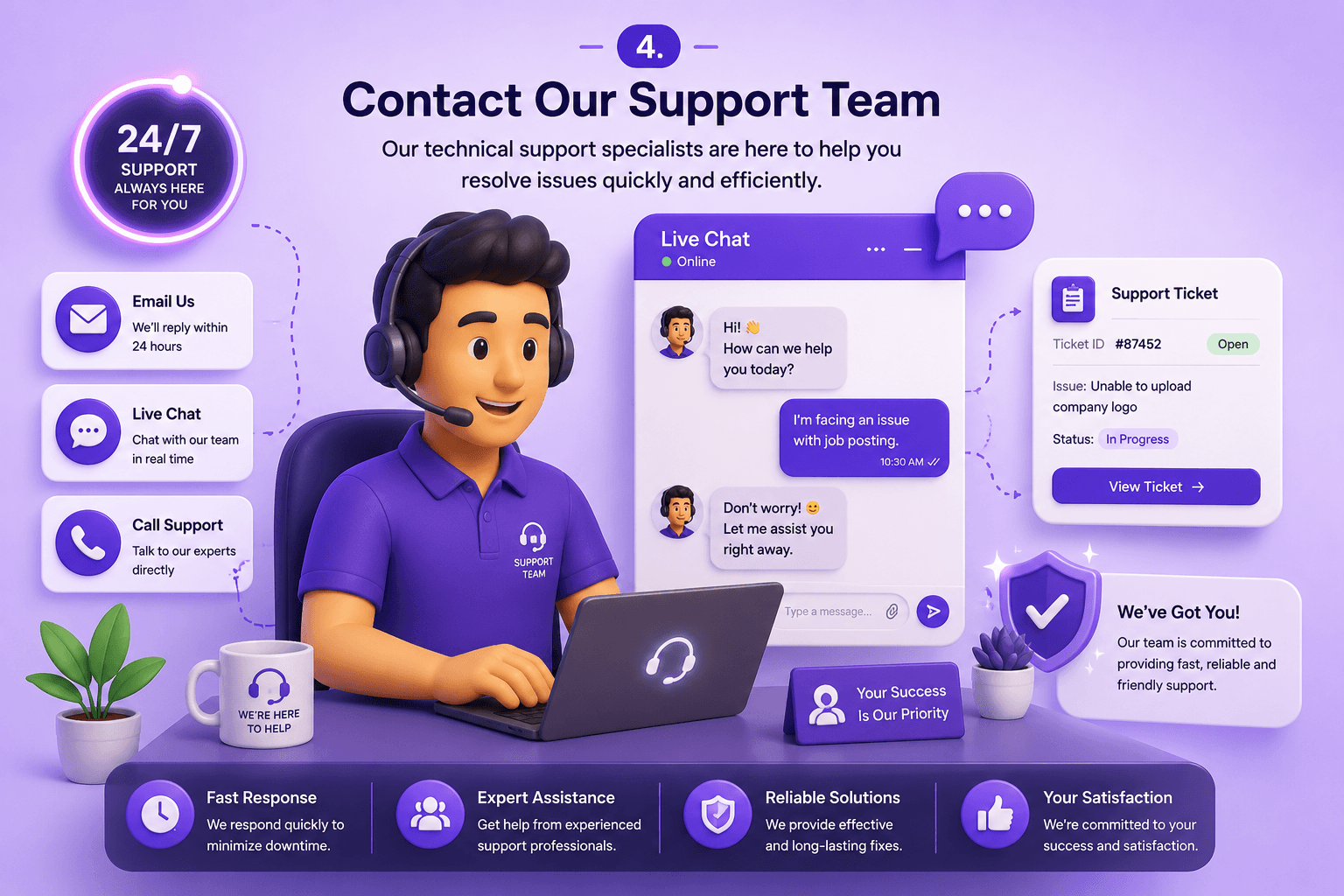
4. Contact Our Support Team
Reach out to our technical support team through email or the Help Desk. Our specialists are available to assist with account issues, platform errors, subscription questions, and recruitment-related technical problems.
5. Stay Updated on Issue Resolution
Track the progress of your support request and review updates from our team. You'll receive notifications when your issue has been resolved or if additional information is required.